Pause, step and quit
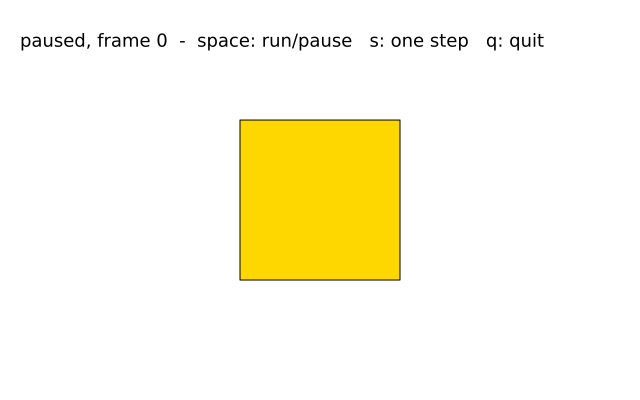
no_loop() stops draw() being called every frame, though it still runs once. Press keys to run, pause, take one step or quit.
How it works
- f.no_loop() in setup() means the sketch starts paused. draw() runs once and then waits.
- key_pressed() runs once each time a key goes down. f.key says which key it was.
- Space calls f.loop() to carry on, or f.no_loop() to stop again. f.is_looping() says which it is doing now, and the text shows it.
- The "s" key calls f.redraw(), which runs draw() exactly one more time. That is a single step.
- The "q" key calls f.exit() and the sketch ends.
- angle goes up by 6 in each draw(), and f.rotate() turns the square by it.
Make it yours
- Change angle += 6 to a smaller or bigger step.
- Change the colours in f.fill() and f.stroke().
- Swap f.rect(-80, -80, 160, 160) for f.circle(0, 0, 160) or f.ellipse(0, 0, 200, 100). The shape is centred on (0, 0), so it turns about its middle.
- Add a key: in key_pressed(), add elif f.key == "r": and set angle = 0. Put angle in the global line of key_pressed() first.
- Start running instead of paused: delete the f.no_loop() line in setup().
The code
Copy it into a file and run it.
"""Pause, step and quit

no_loop() stops draw() being called every frame, though it still runs once. Press keys to run,
pause, take one step or quit.

How it works:
- f.no_loop() in setup() means the sketch starts paused. draw() runs once and then waits.
- key_pressed() runs once each time a key goes down. f.key says which key it was.
- Space calls f.loop() to carry on, or f.no_loop() to stop again. f.is_looping() says which it is
  doing now, and the text shows it.
- The "s" key calls f.redraw(), which runs draw() exactly one more time. That is a single step.
- The "q" key calls f.exit() and the sketch ends.
- angle goes up by 6 in each draw(), and f.rotate() turns the square by it.

Make it yours:
- Change angle += 6 to a smaller or bigger step.
- Change the colours in f.fill() and f.stroke().
- Swap f.rect(-80, -80, 160, 160) for f.circle(0, 0, 160) or f.ellipse(0, 0, 200, 100). The shape
  is centred on (0, 0), so it turns about its middle.
- Add a key: in key_pressed(), add elif f.key == "r": and set angle = 0. Put angle in the global
  line of key_pressed() first.
- Start running instead of paused: delete the f.no_loop() line in setup().
"""
import funground as f

angle = 0


def setup():
    f.size(640, 400)
    f.no_loop()                           # start paused: draw() runs once


def draw():
    global angle
    f.background("white")
    with f.saved_state():
        f.translate(320, 200)
        f.rotate(angle)
        f.fill("gold")
        f.stroke("black")
        f.rect(-80, -80, 160, 160)
    angle += 6
    f.fill("black")
    f.text_size(18)
    state = "running" if f.is_looping() else "paused"
    f.text(f"{state}, frame {f.frame_count}  -  space: run/pause   s: one step   q: quit", 20, 30)


def key_pressed():
    if f.key == " ":
        if f.is_looping():
            f.no_loop()
        else:
            f.loop()
    elif f.key == "s":
        f.redraw()                        # exactly one more frame
    elif f.key == "q":
        f.exit()


f.run()