11. Randomness and noise
Random numbers
| Helper | What it gives |
|---|---|
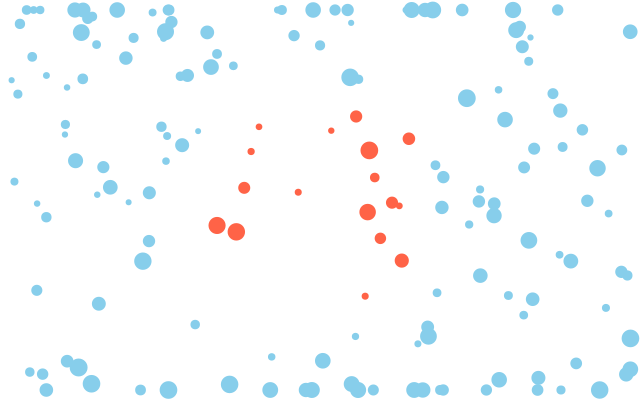
f.random(high) / f.random(low, high) |
a random decimal number in the range |
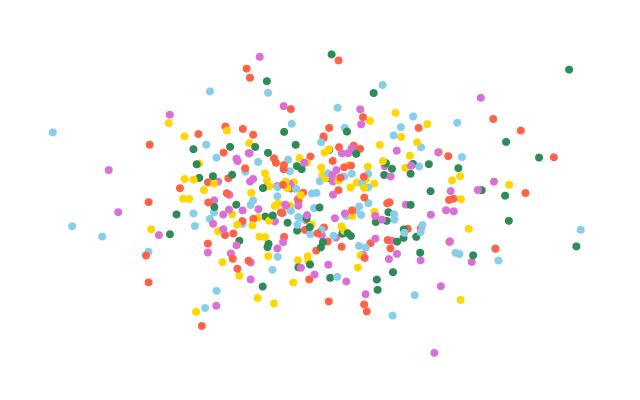
f.random_gaussian(mean, sd) |
a number from a bell curve: most near mean, about two thirds within sd of it |
f.random_choice(items) |
one item from a list, tuple or string |
f.random_seed(n) |
makes all of the above repeat exactly — the same "random" picture every run |
Noise: smooth randomness
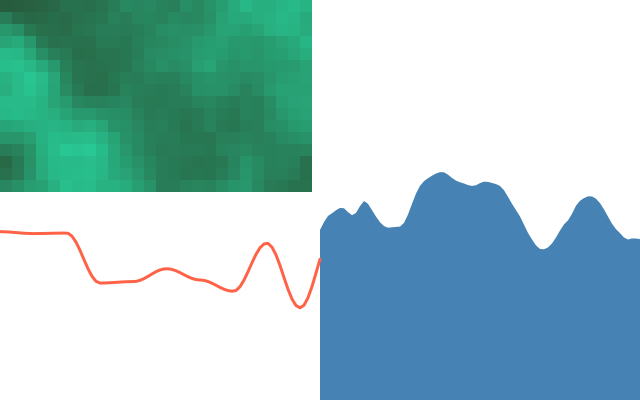
f.random() jumps anywhere every time. f.noise(x) gives a number from 0 to 1 that changes
smoothly as x changes — like hills instead of static. Walk slowly along it (small steps in
x) for gentle change, quickly for rough change.
| Helper | What it does |
|---|---|
f.noise(x), f.noise(x, y), f.noise(x, y, z) |
Smooth value from 0 to 1; with two inputs, a smooth pattern across the window; the third is often time |
f.noise_seed(n) |
Picks the pattern, so it repeats every run. The same seed gives the same values as p5.js |
f.noise_detail(octaves, falloff) |
Fewer octaves (layers) is smoother and faster; the default is 4 |
import funground as f


def setup():
    f.size(640, 200)
    f.noise_seed(1)


def draw():
    f.background("white")
    f.no_fill()
    f.stroke("tomato")
    f.stroke_width(3)
    f.begin_shape()
    for x in range(0, 641, 4):
        f.vertex(x, 20 + f.noise(x * 0.01, f.frame_count * 0.01) * 160)
    f.end_shape()


f.run()
Speed. Each noise() call takes a few microseconds, so about 1,500 calls per frame keep a
sketch at 60 frames per second. For big textures, use fewer octaves or bigger tiles.
See also
- Gallery: Randomness and noise.
- Quick Reference: 5. Mouse, keyboard and useful helpers.
- Words: noise.
Try it
- Scatter 200 small circles at random places. Add
f.random_seed(1)insetup(). What changes? - Give each circle a random colour with
f.random_choice([...])from a list of colour names. - Draw a wavy line with
f.noise(), then move it along by addingf.frame_countto the noise input.
Next: 12. Useful maths