Gallery
Every picture is made by running the example beside it. Click a picture to see how it works and to read the whole code. Each example is a complete sketch: copy it into a file and run it.
Basics
In the guide: Getting started; The sketch: setup, draw and run
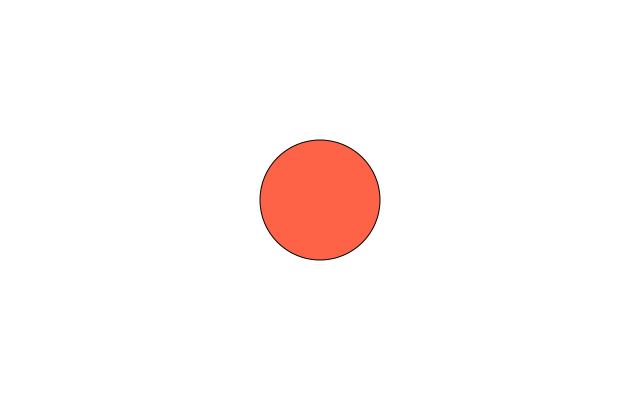
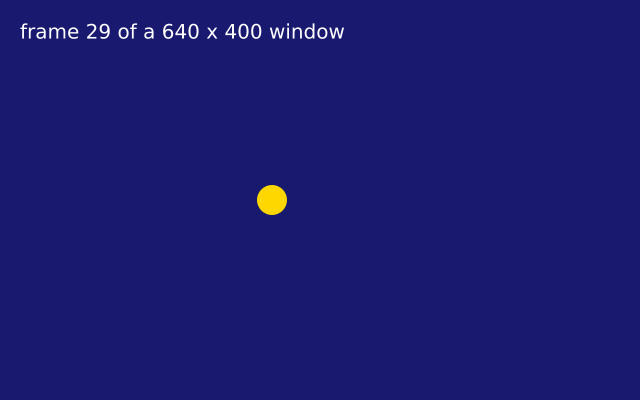 setup() once, draw() every frame
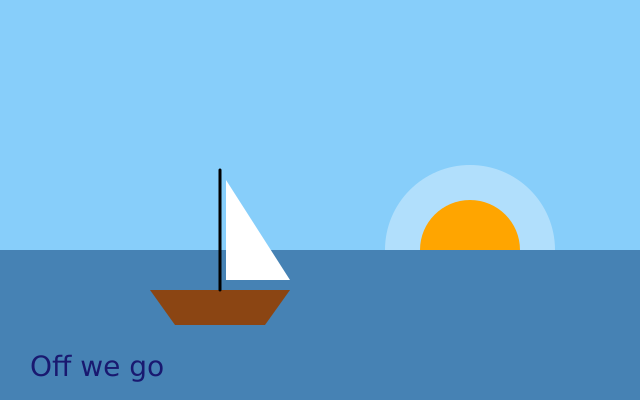 A script: draw once, no draw() needed

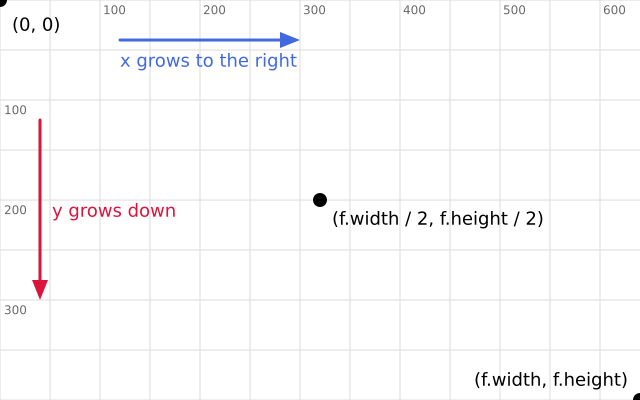
Shapes
In the guide: Shapes
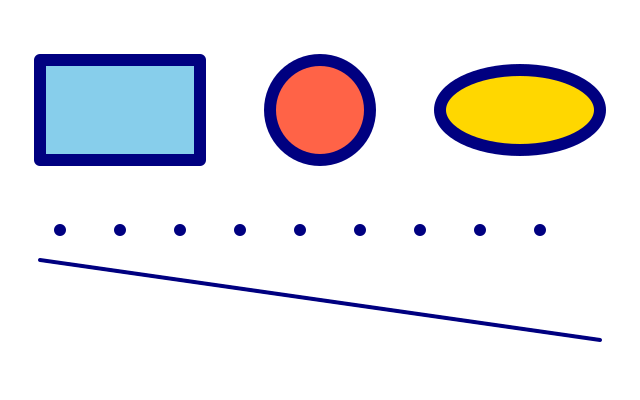
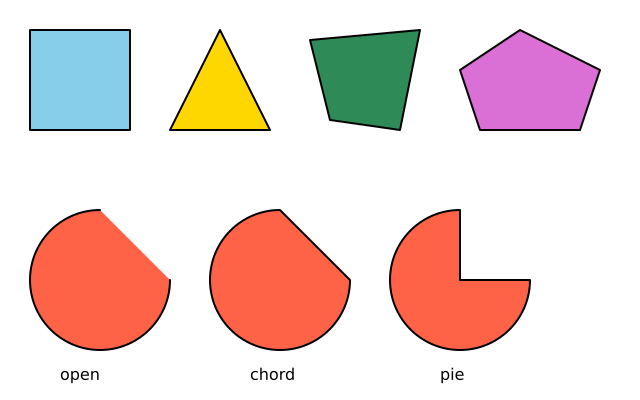
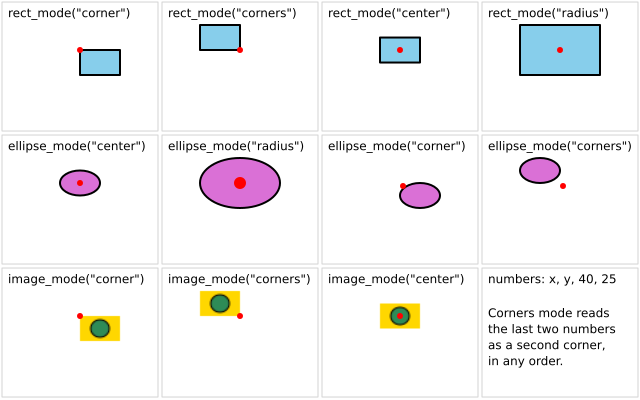
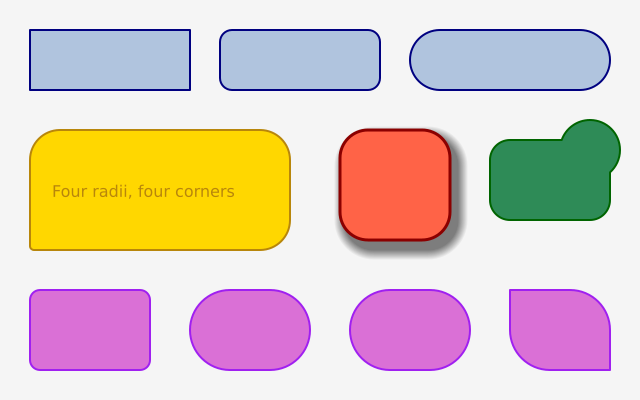
Colour
In the guide: Colour
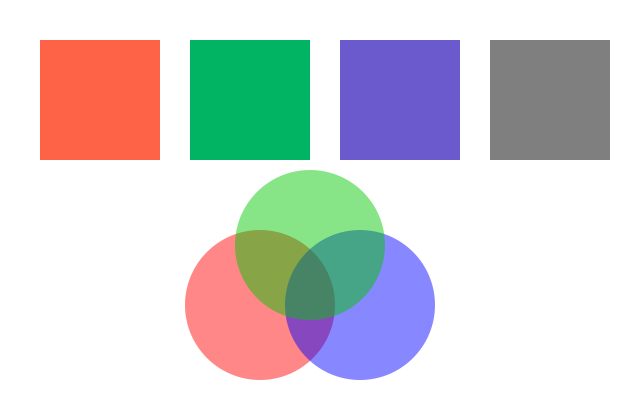
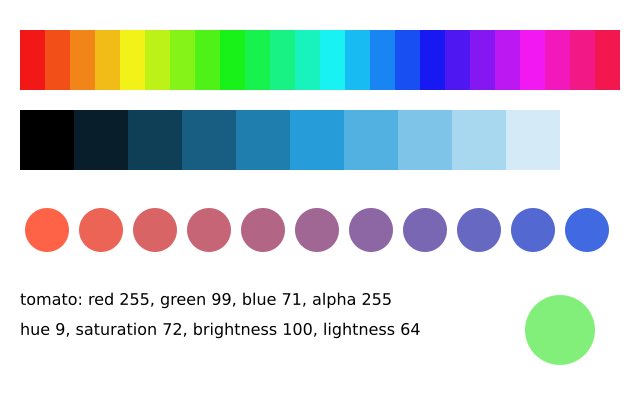
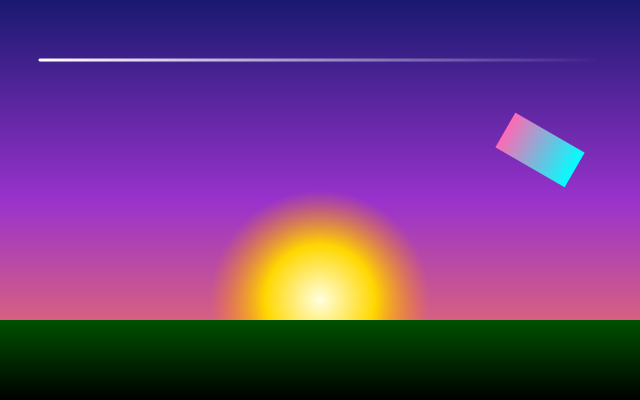
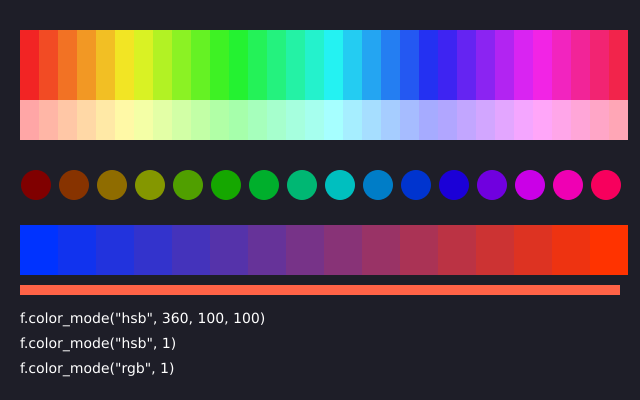
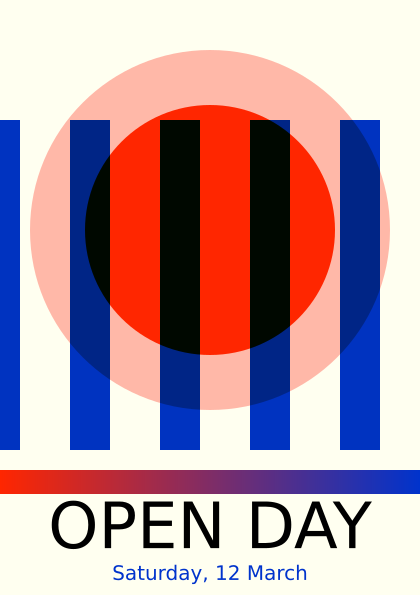
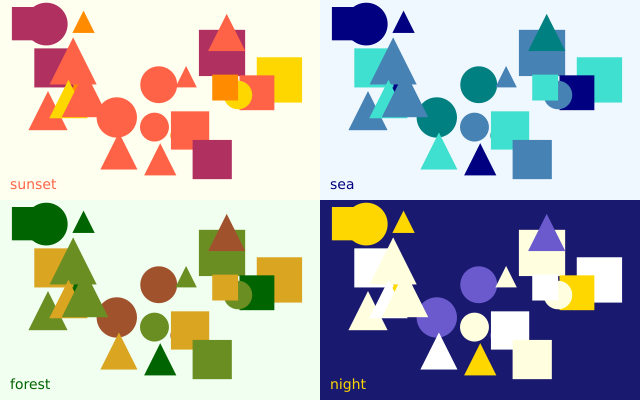
Blending, opacity and shadows
In the guide: Fill, stroke and lines; Paths, clipping and pictures
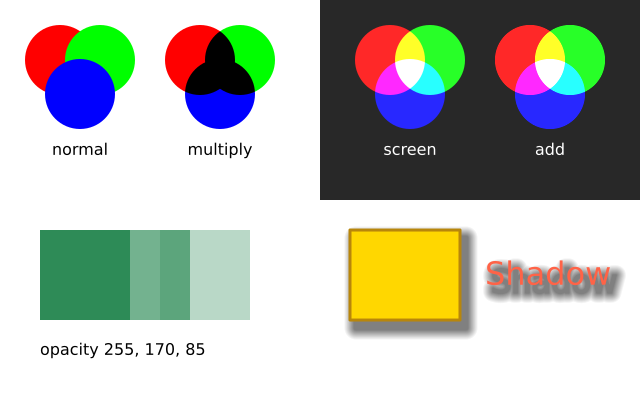

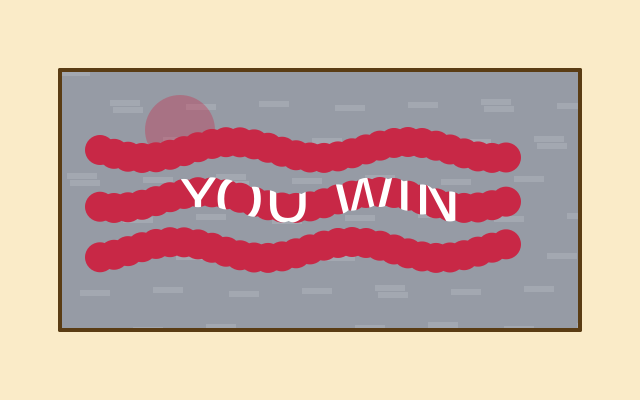
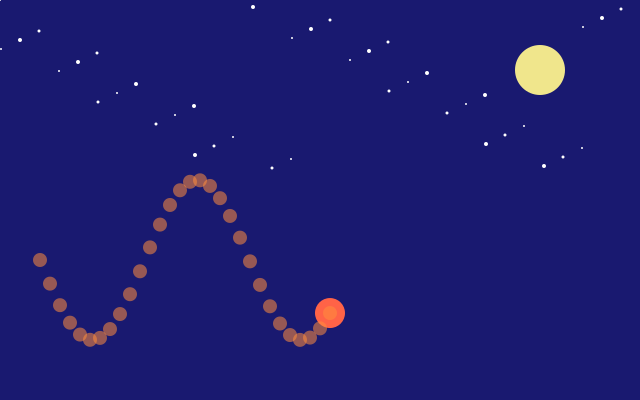
Fill, stroke and lines
In the guide: Fill, stroke and lines
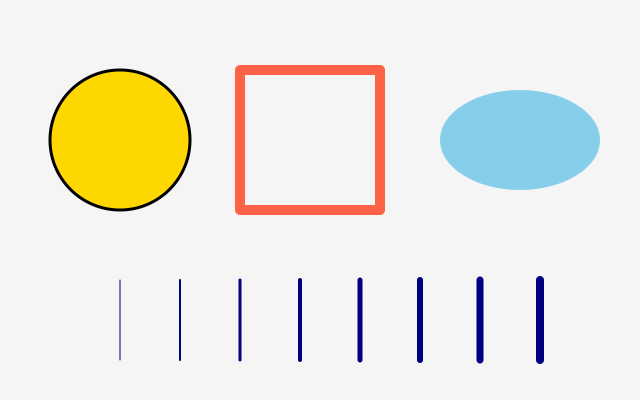
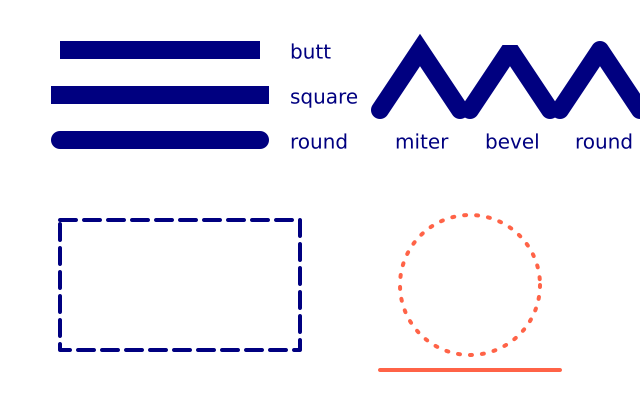
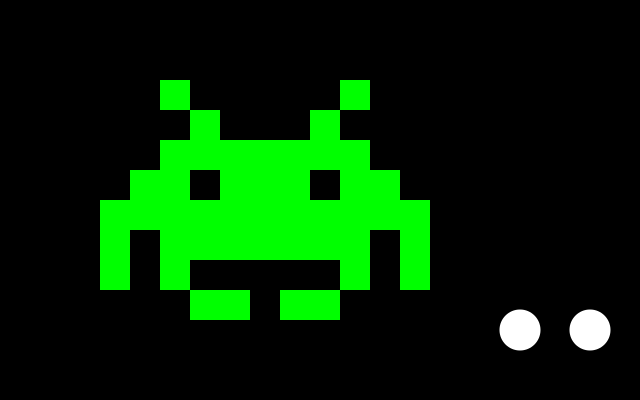
Curves
In the guide: Paths, clipping and pictures
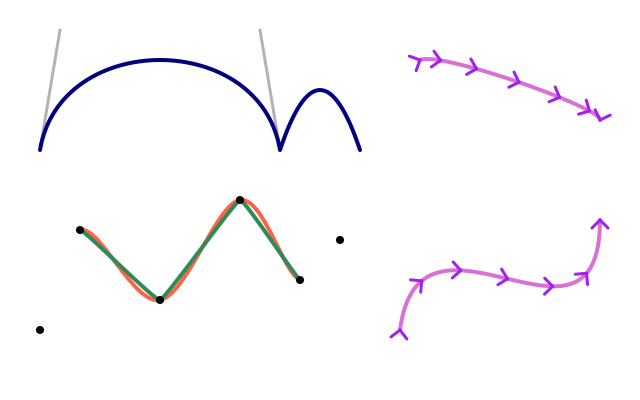
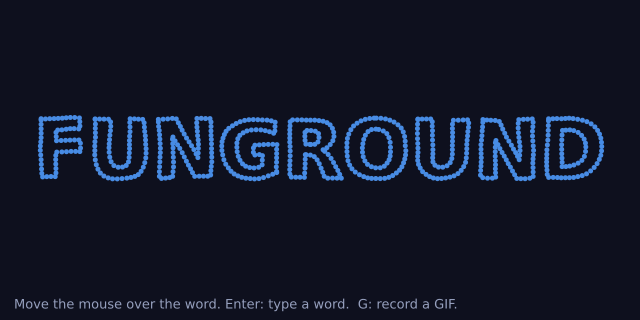
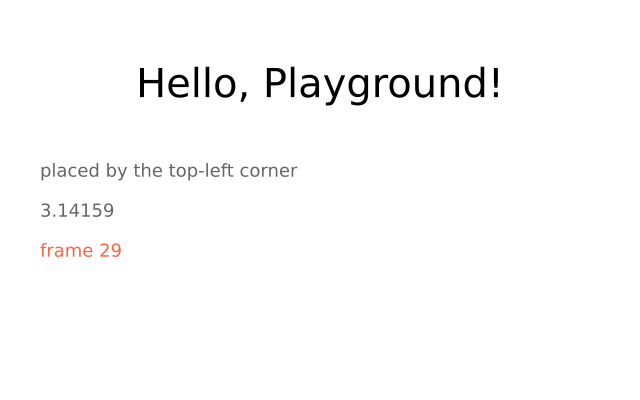
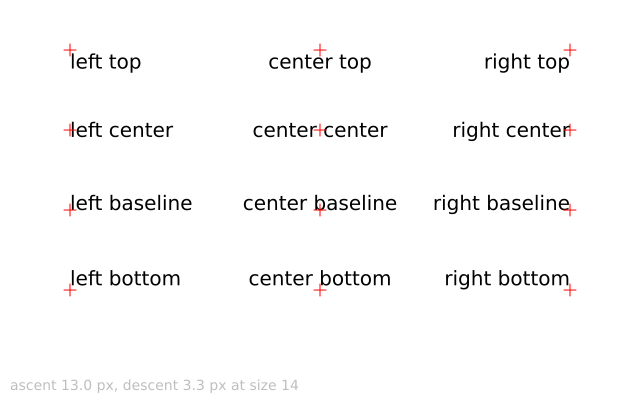
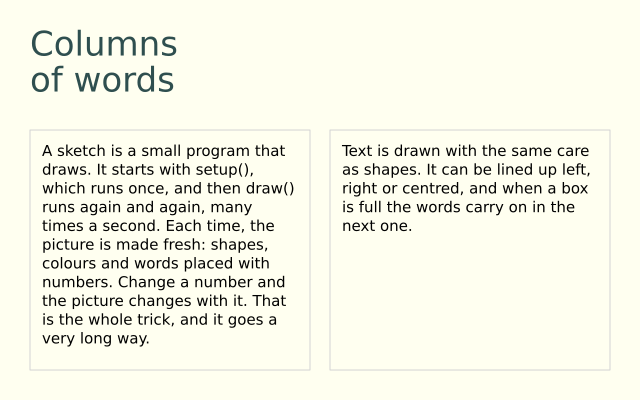
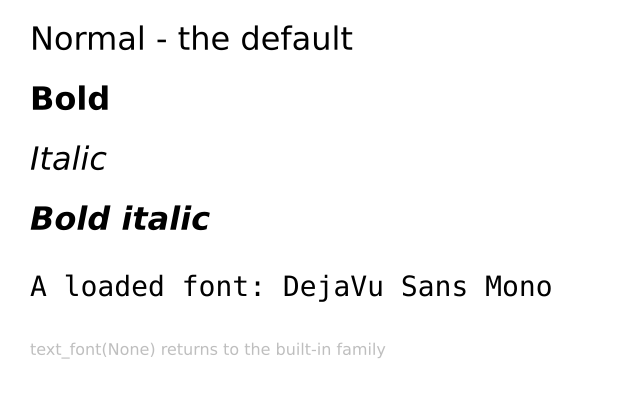
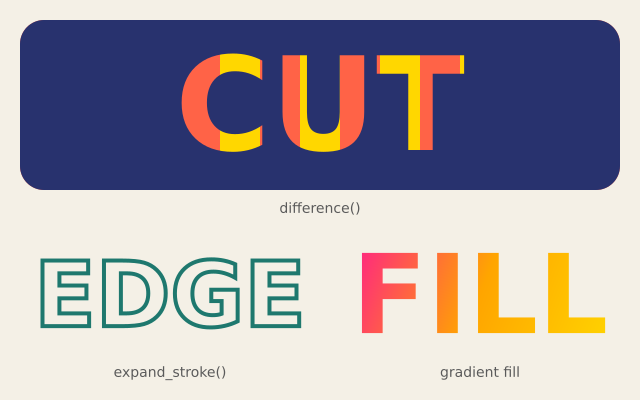
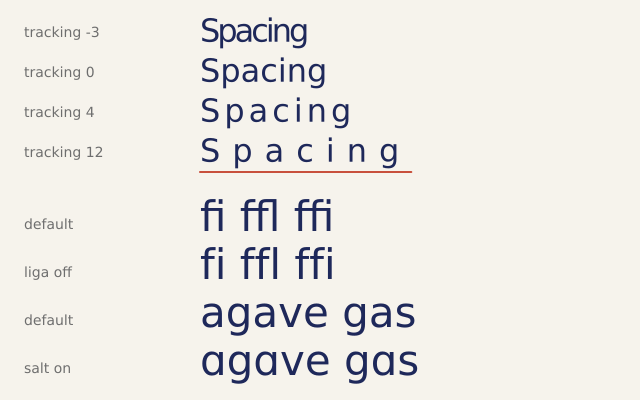
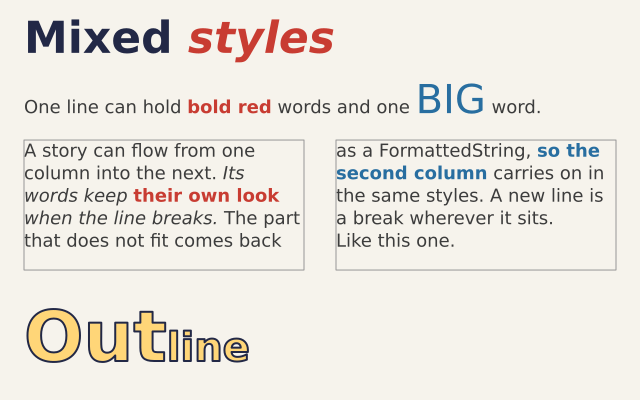
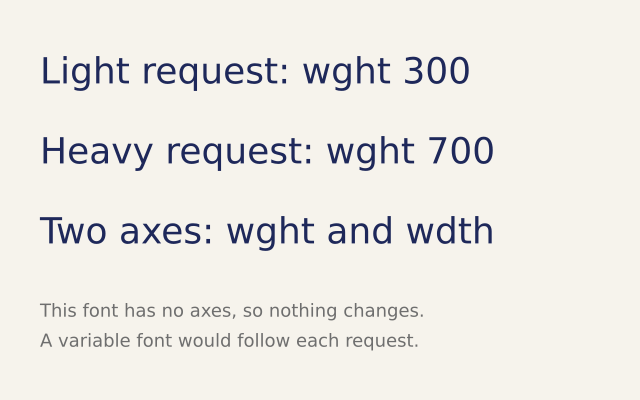
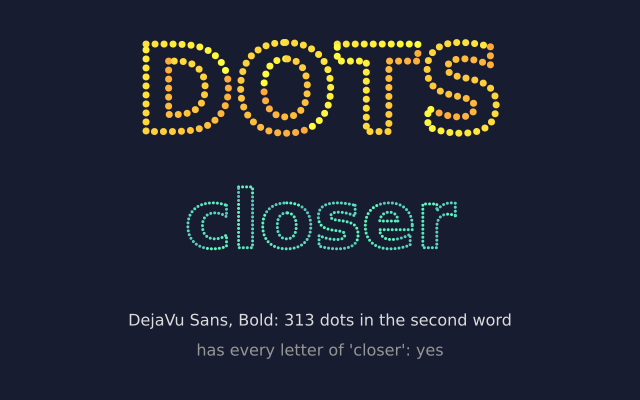
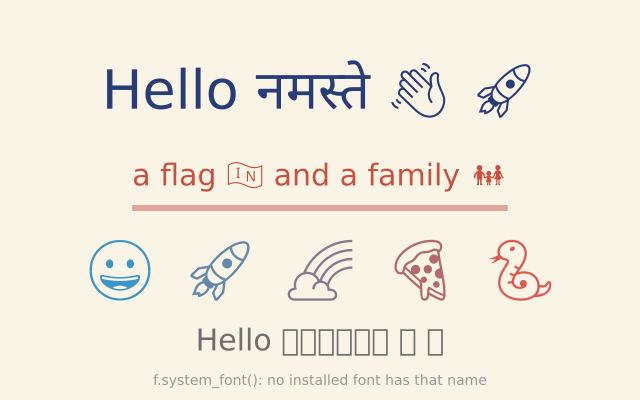
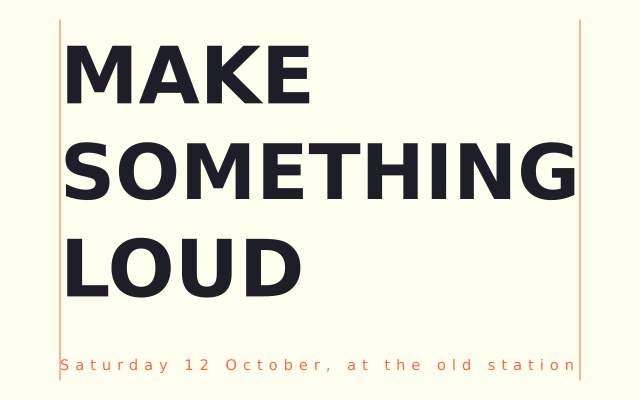
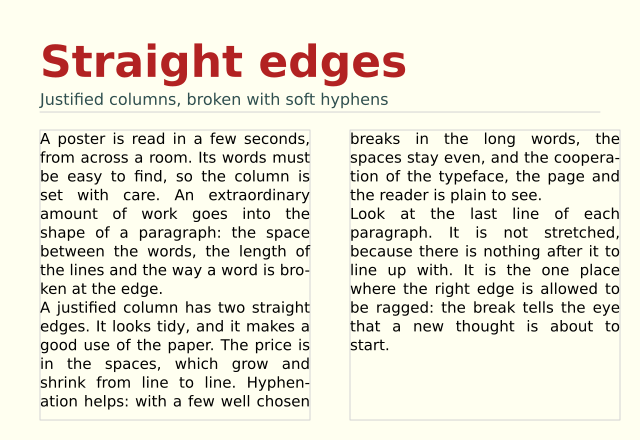
Text
In the guide: Text
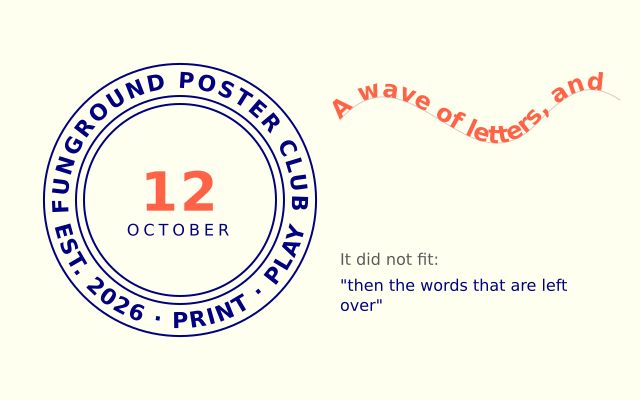
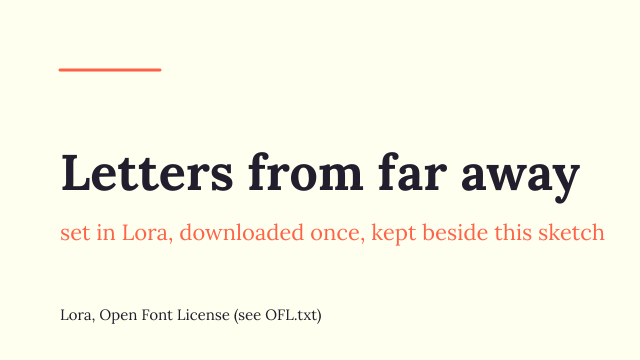
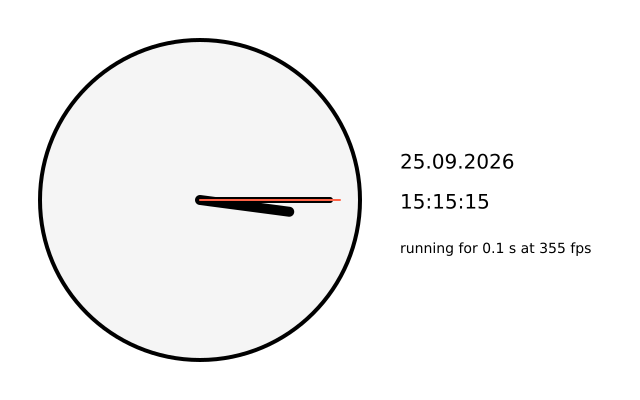
Animation and time
In the guide: Animation and time

Motion
In the guide: Animation and time; Useful maths
Transforms
In the guide: Transforms and saved_state
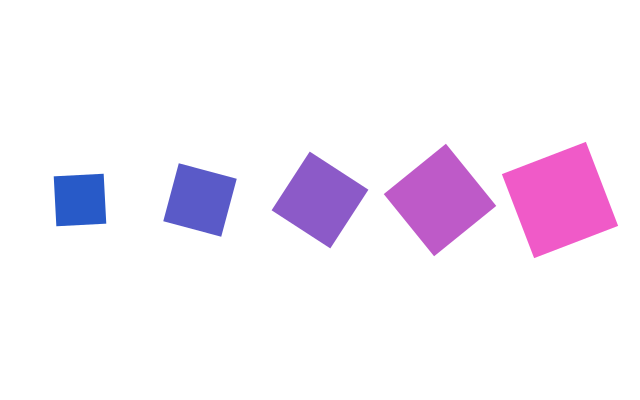
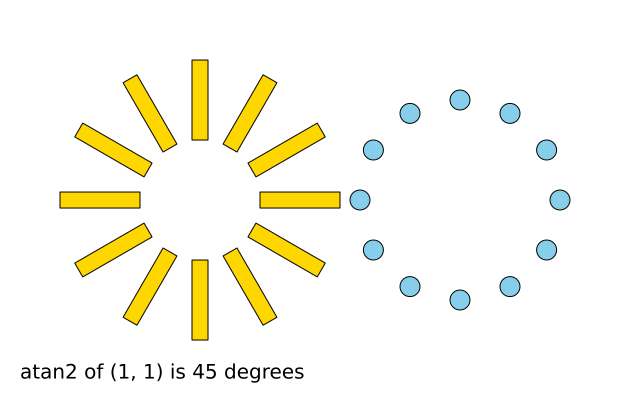
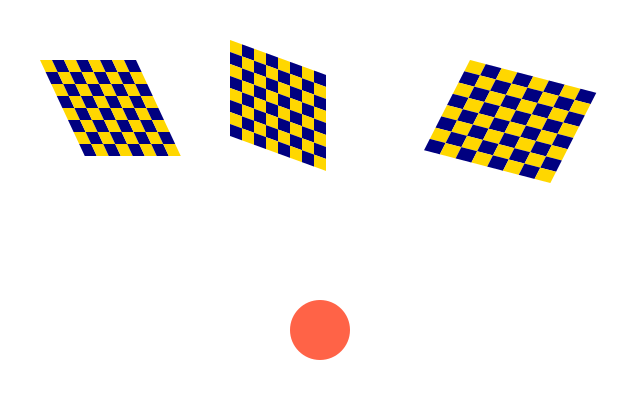
Moving the paper
In the guide: Project 11: Moving the paper
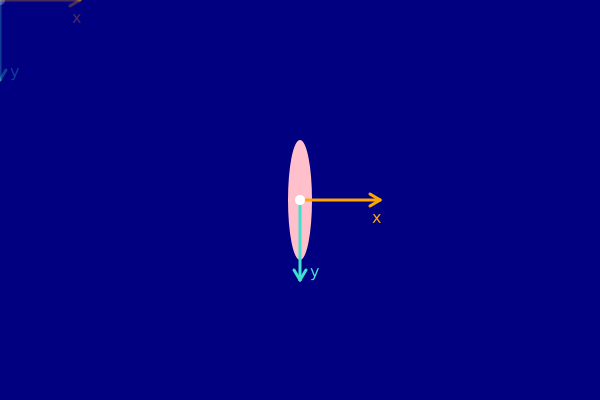
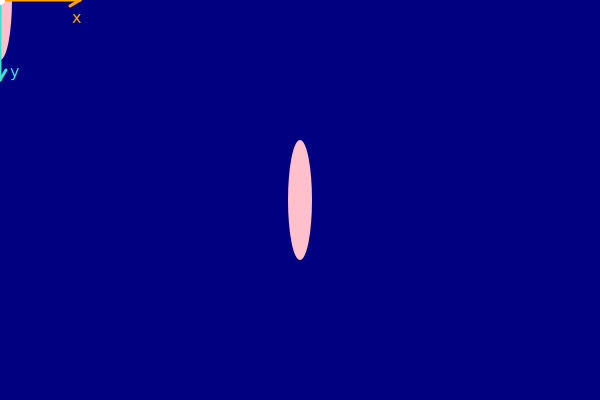 Moving the paper, step 1: where is (0, 0)?
 Moving the paper, step 2: translate slides the paper
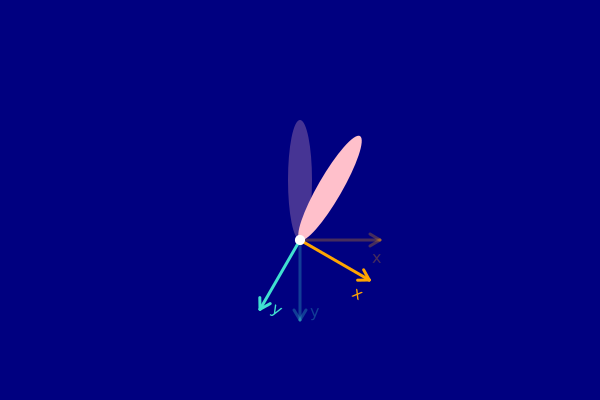 Moving the paper, step 3: rotate turns the paper around its (0, 0)
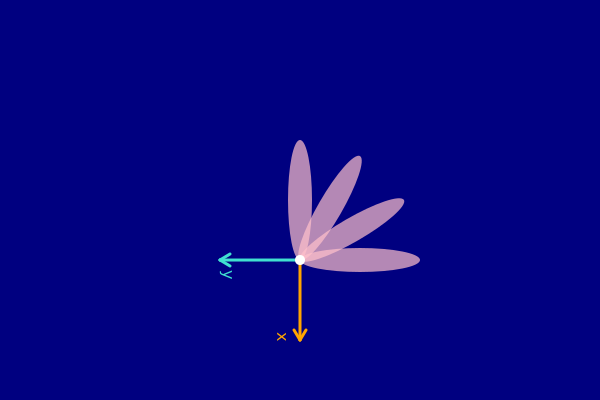 Moving the paper, step 4: turns add up
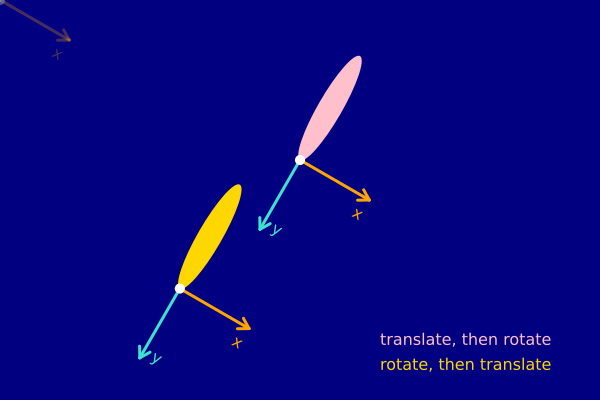 Moving the paper, step 5: order matters
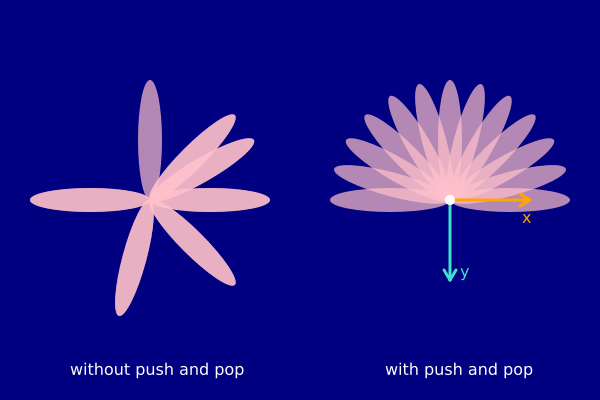 Moving the paper, step 6: push and pop
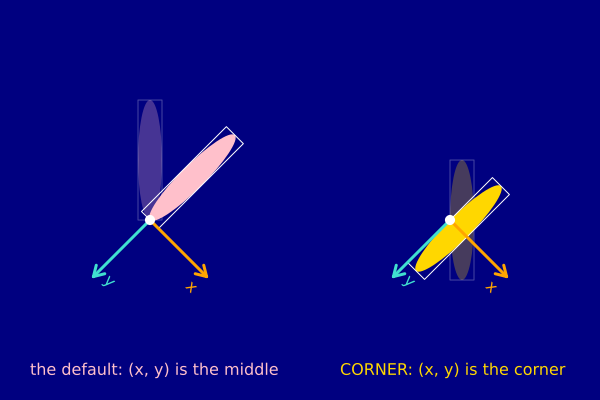

Paths and clipping
In the guide: Paths, clipping and pictures; Coming from DrawBot

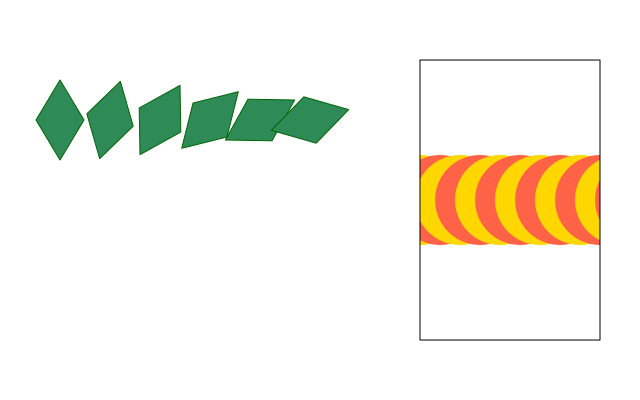

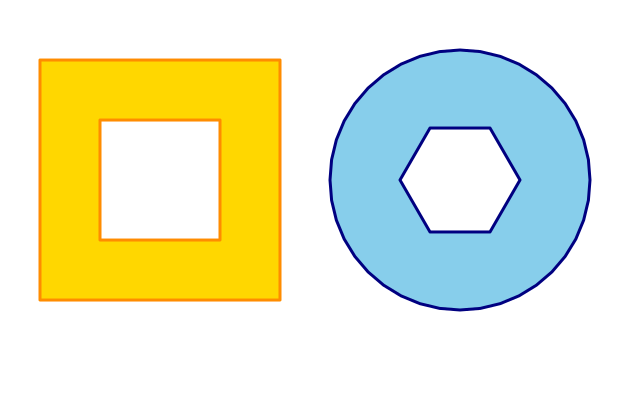
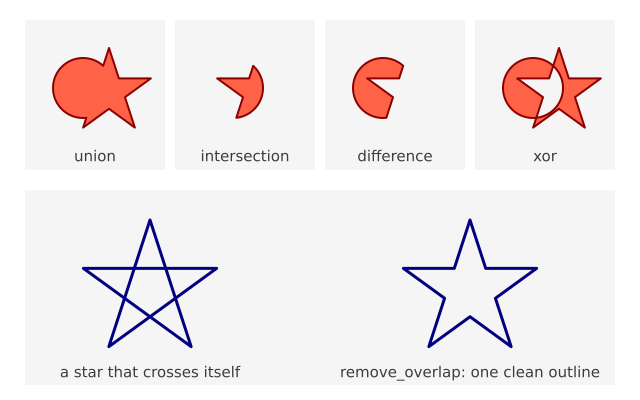
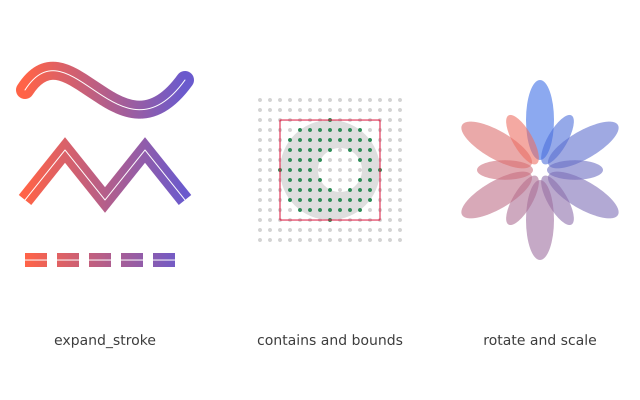
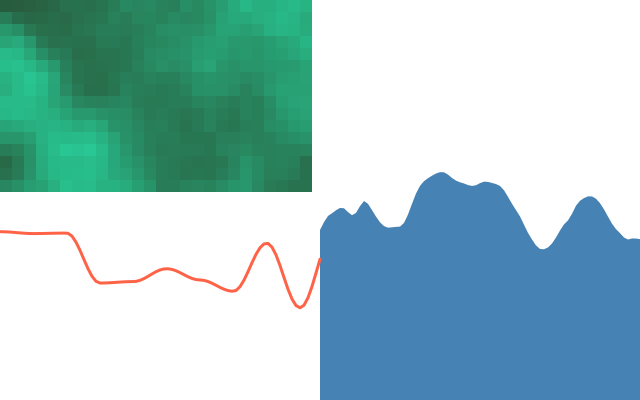
Randomness and noise
In the guide: Randomness and noise
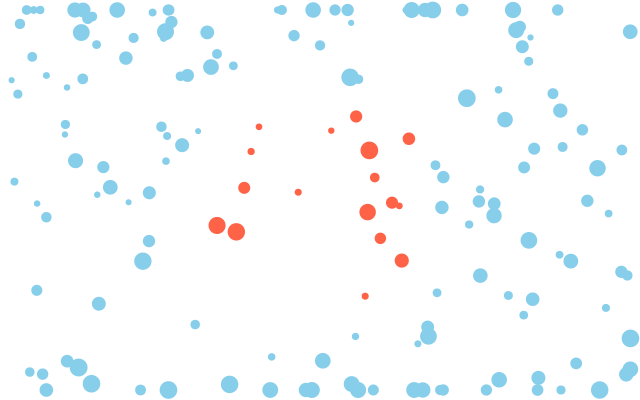
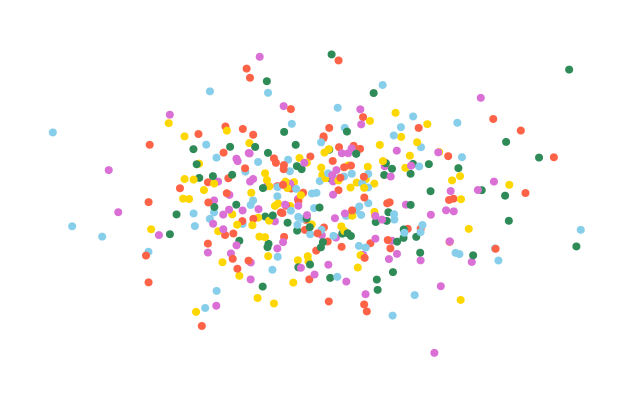
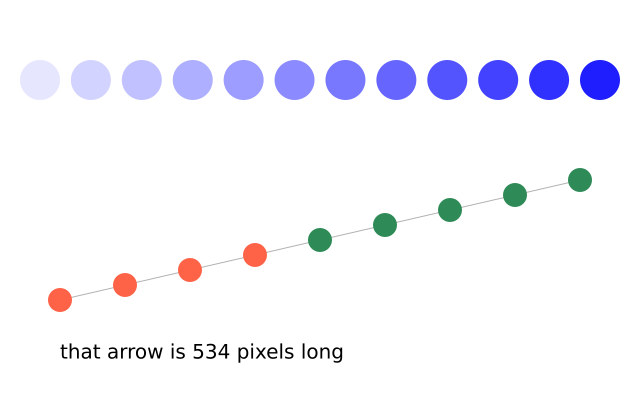
Useful maths
In the guide: Useful maths
Interaction
In the guide: The sketch: setup, draw and run; Interaction: mouse, keyboard and controls
Saving your work
In the guide: Saving your work; Coming from DrawBot
Documents and pages
In the guide: Saving your work; Coming from DrawBot

Pictures and images
In the guide: Paths, clipping and pictures
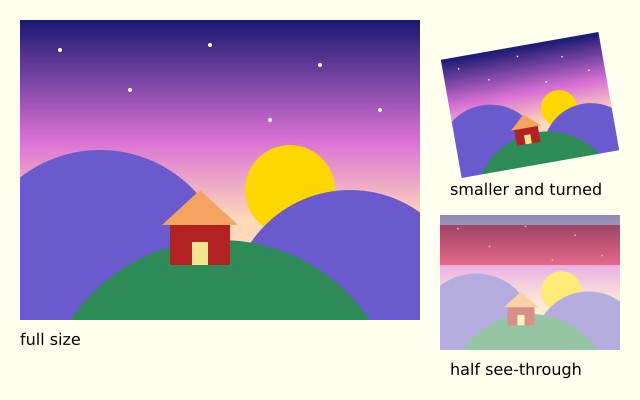
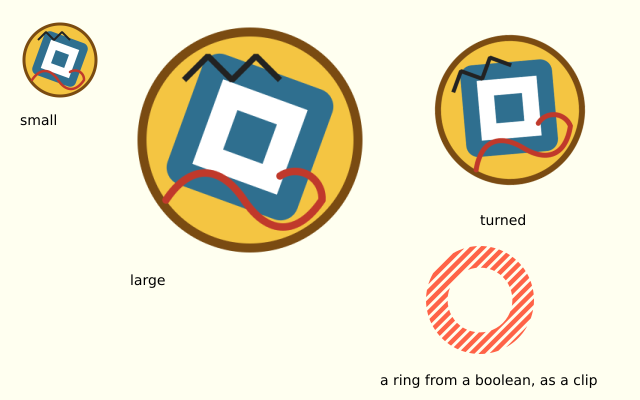
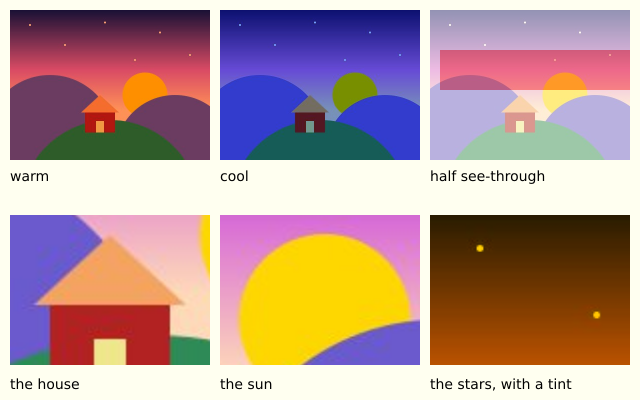 Tinting a picture and drawing part of it
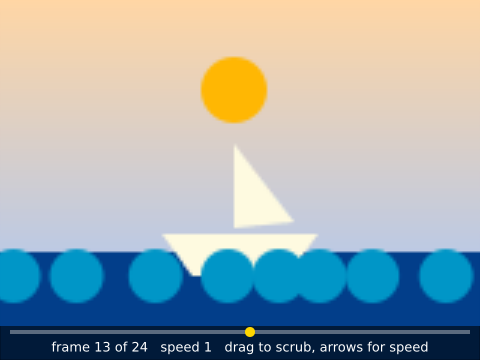
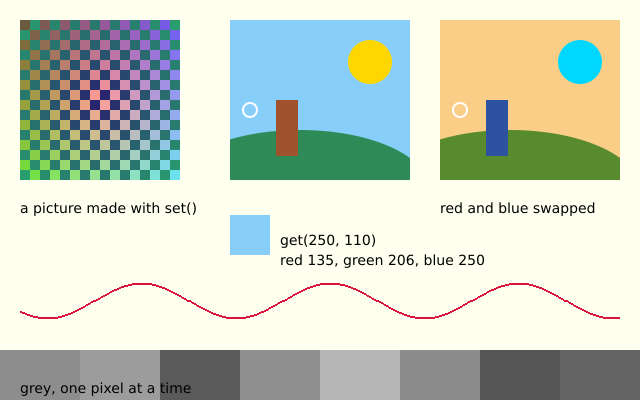 Reading and writing single pixels
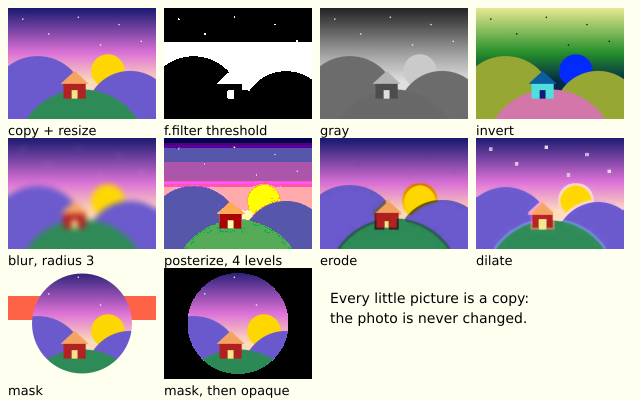
Pixels to marks
In the guide: Project 10: From pixels to marks
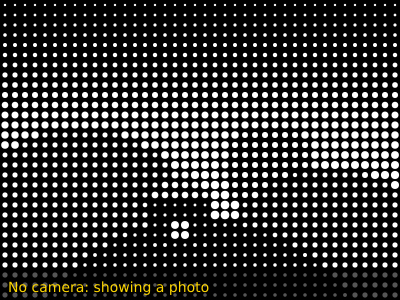
 From pixels to marks, step 1: a grid of colours
 From pixels to marks, step 2: dots by brightness
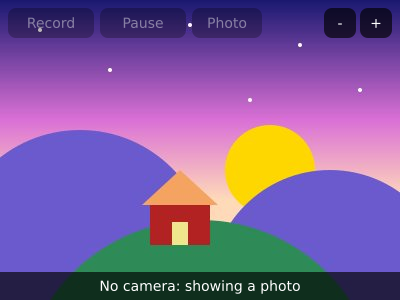
 From pixels to marks, step 3: the live camera
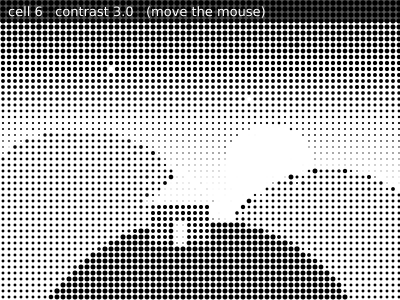 From pixels to marks, step 4: grid and contrast
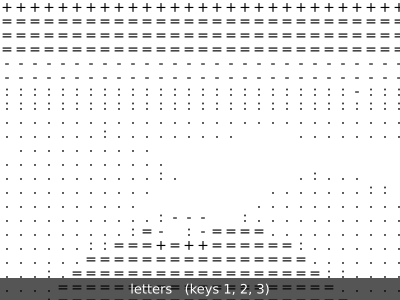
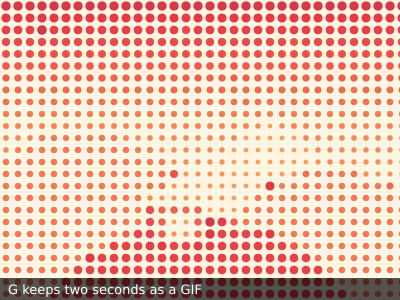
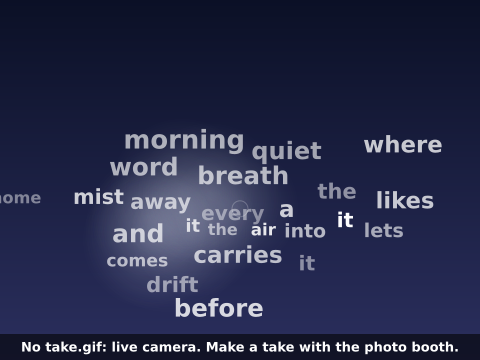
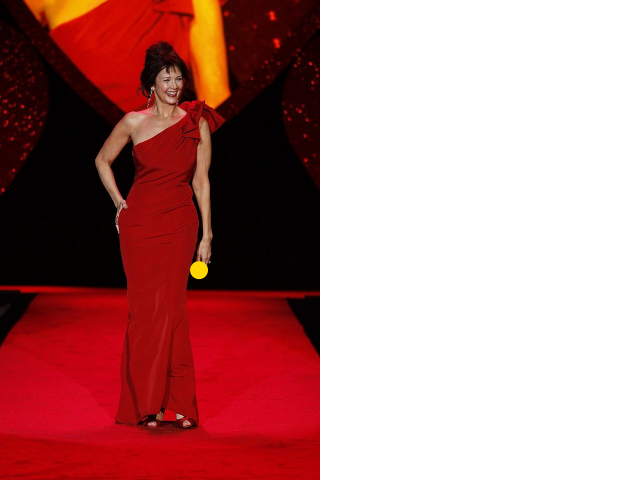
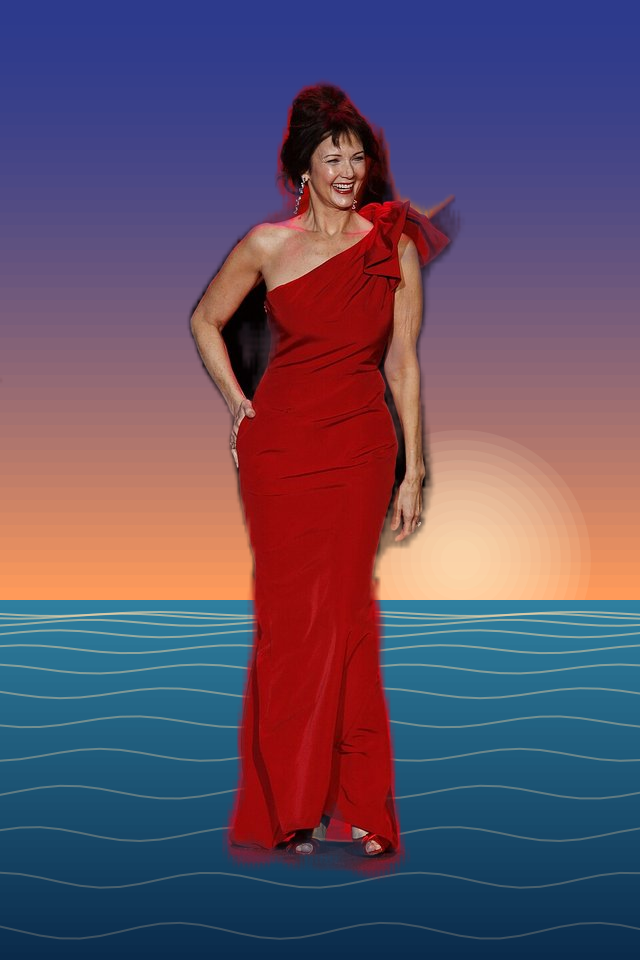
Models: your body and your hands
In the guide: Colour; Models: bodies, hands, words and sounds
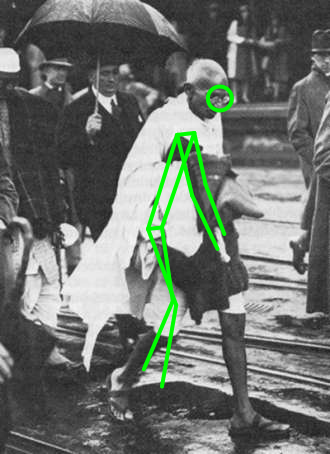
Sound
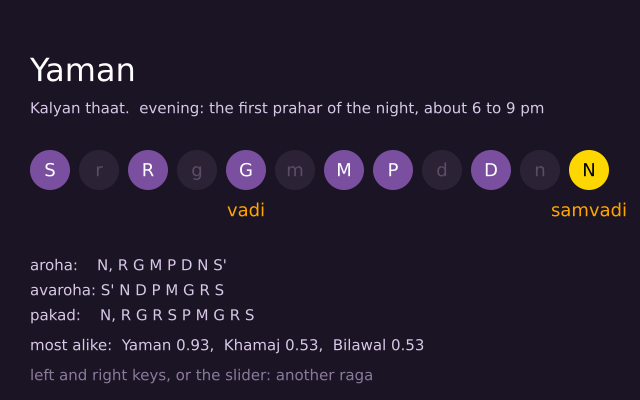
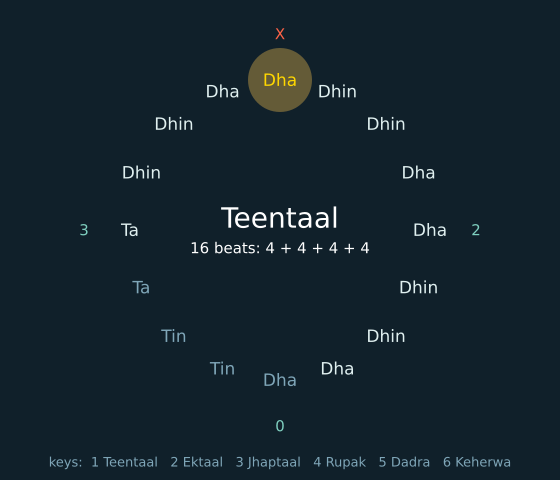
In the guide: Sound; Ragas and talas
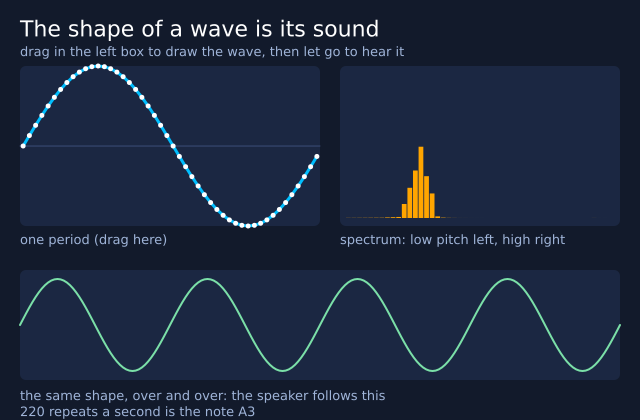
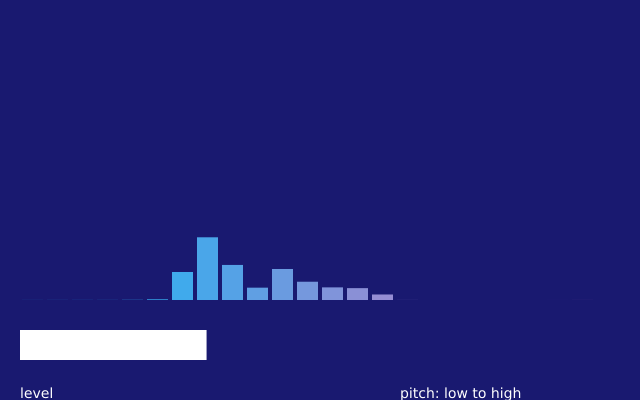 Sound: play a tune and watch it
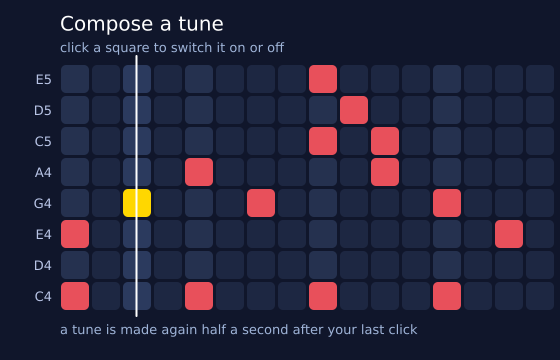
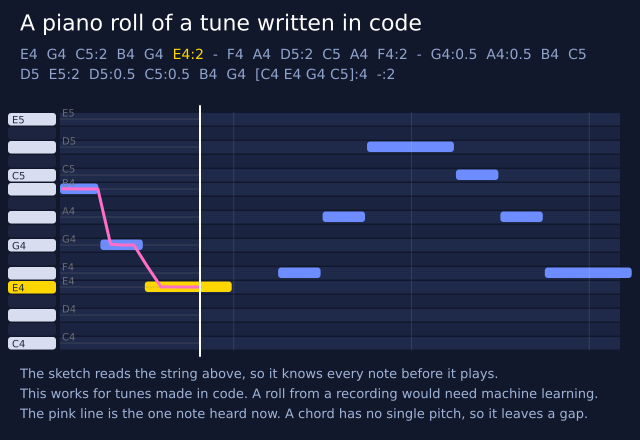
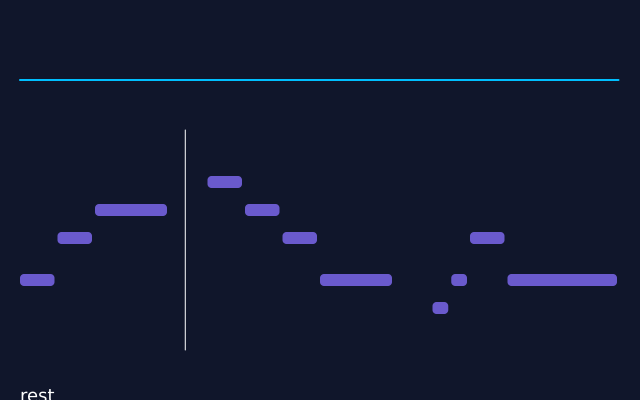 Making sound: write a tune, then watch it play
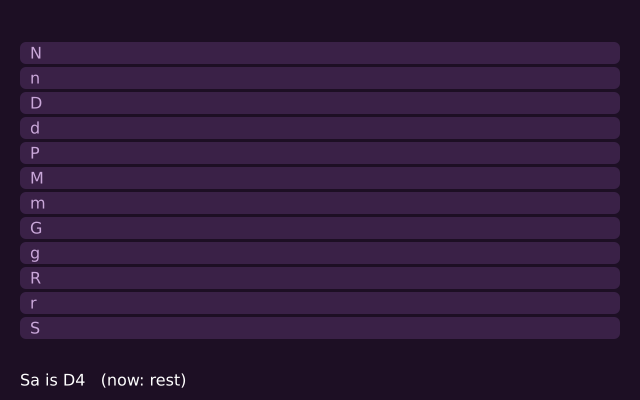
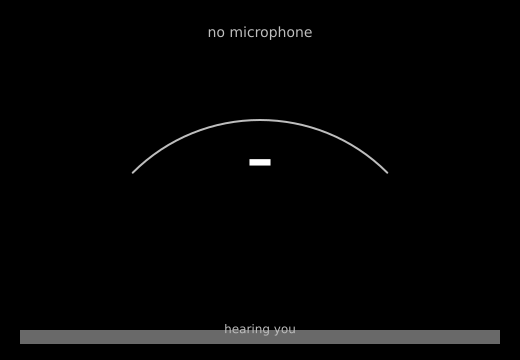
Music
In the guide: Sound; Ragas and talas
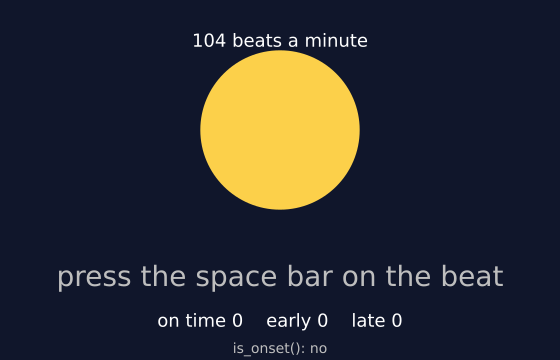
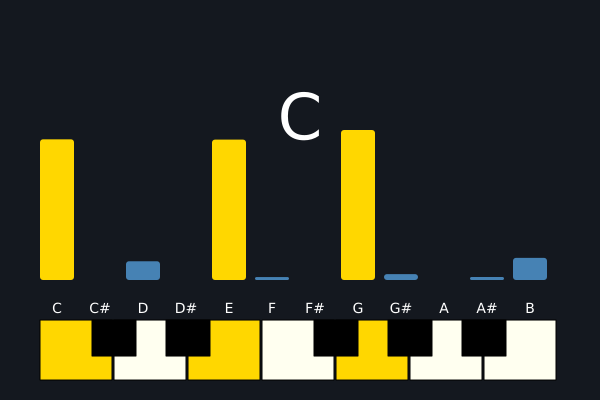
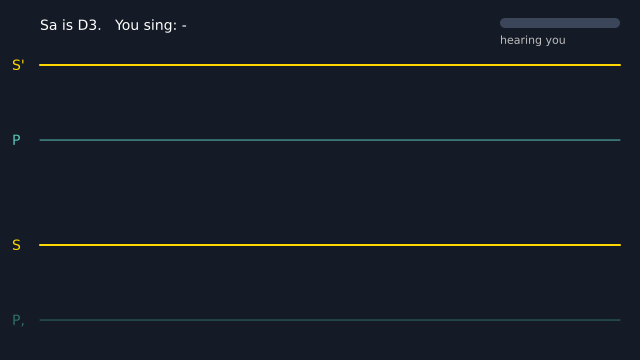
Projects
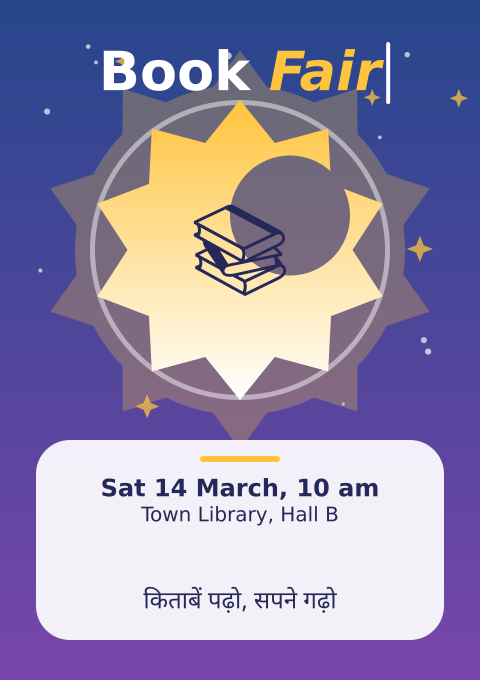
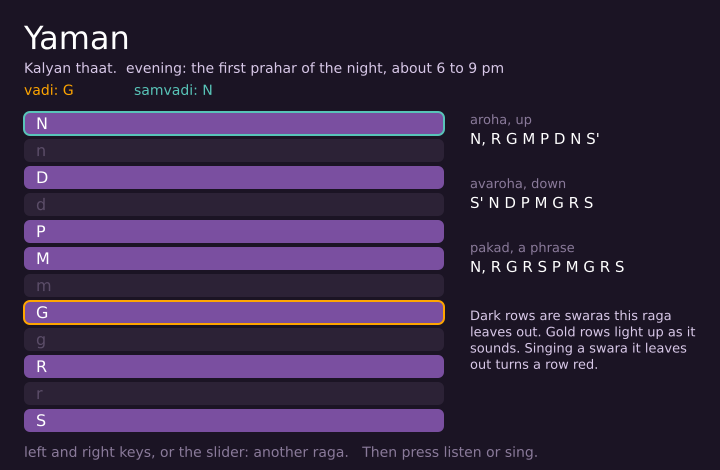
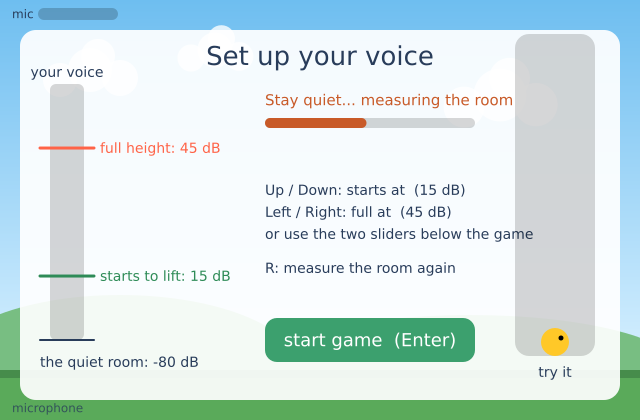
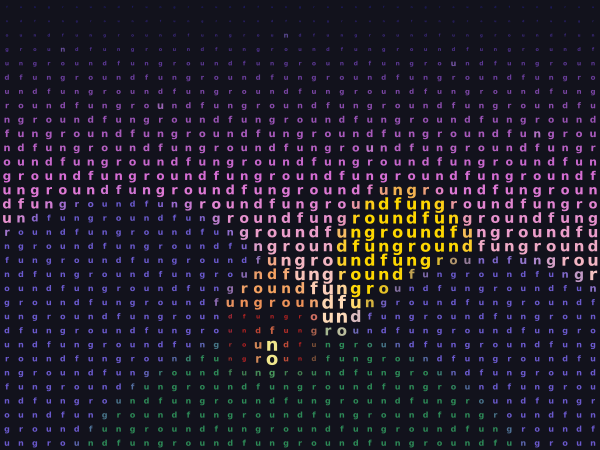
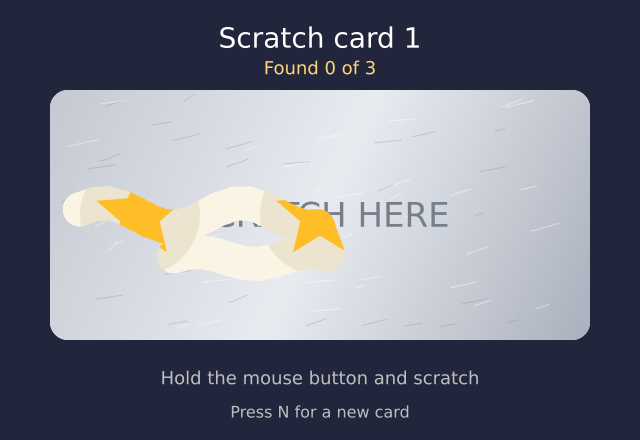
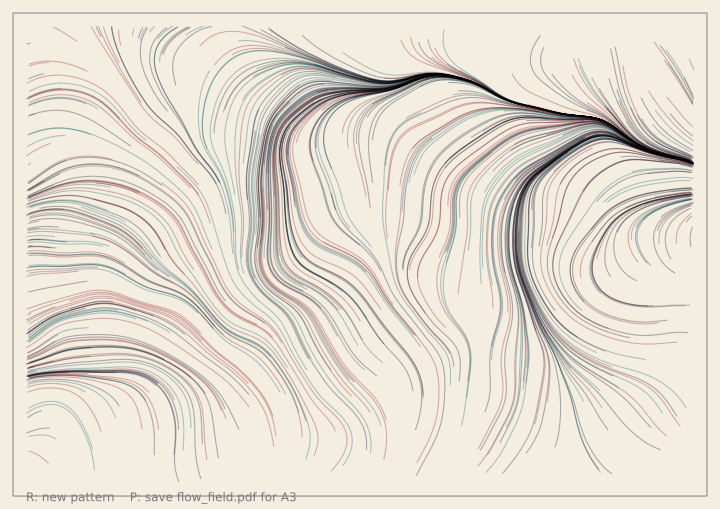
In the guide: Project 1: Event poster series; Project 2: Rangoli and mandala generator; Project 3: Raga explorer; Project 4: Voice-controlled game; Project 5: Typographic portrait; Project 6: Kinetic type; Project 7: Scratch-card reveal game; Project 8: Flow-field print