Follow the mouse
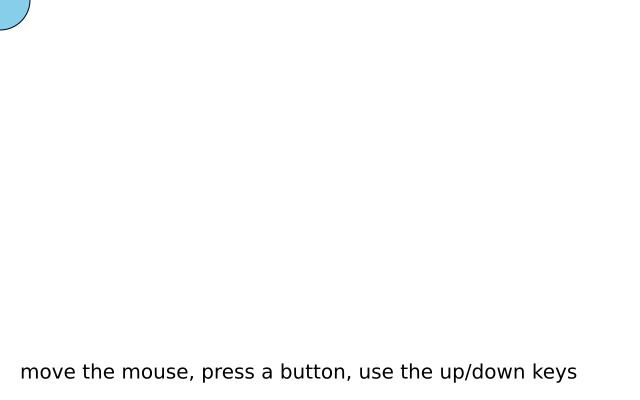
A circle sits under the mouse. It turns red while a button is held, and the up and down arrow keys make it bigger or smaller.
How it works
- f.mouse_x and f.mouse_y are where the mouse is now. The circle is drawn there in every frame.
- f.is_mouse_pressed is True while a mouse button is held. The fill is chosen from it.
- f.key_down("up") is True for as long as that key is held. Every frame it is held, size grows by 2, so the change is smooth.
- max(10, size - 2) stops the circle getting smaller than 10.
- f.background() wipes the window at the start of each frame, so only one circle shows.
Make it yours
- Change the 2 in size += 2 to make the circle grow faster.
- Change the two colours in the f.fill() line.
- Use f.key_down("left") and f.key_down("right") to change something else, such as the circle's colour.
- Leave a trail: delete the f.background() line and the f.text() line. The circles now pile up.
- Draw a second circle at (f.width - f.mouse_x, f.height - f.mouse_y). It moves the opposite way.
The code
Copy it into a file and run it.
"""Follow the mouse

A circle sits under the mouse. It turns red while a button is held, and the up and down arrow
keys make it bigger or smaller.

How it works:
- f.mouse_x and f.mouse_y are where the mouse is now. The circle is drawn there in every frame.
- f.is_mouse_pressed is True while a mouse button is held. The fill is chosen from it.
- f.key_down("up") is True for as long as that key is held. Every frame it is held, size grows by 2,
  so the change is smooth.
- max(10, size - 2) stops the circle getting smaller than 10.
- f.background() wipes the window at the start of each frame, so only one circle shows.

Make it yours:
- Change the 2 in size += 2 to make the circle grow faster.
- Change the two colours in the f.fill() line.
- Use f.key_down("left") and f.key_down("right") to change something else, such as the circle's
  colour.
- Leave a trail: delete the f.background() line and the f.text() line. The circles now pile up.
- Draw a second circle at (f.width - f.mouse_x, f.height - f.mouse_y). It moves the opposite way.
"""
import funground as f

size = 60


def setup():
    f.size(640, 400)


def draw():
    global size
    f.background("white")
    if f.key_down("up"):
        size += 2
    if f.key_down("down"):
        size = max(10, size - 2)
    f.fill("tomato" if f.is_mouse_pressed else "skyblue")
    f.circle(f.mouse_x, f.mouse_y, size)
    f.fill("black")
    f.text("move the mouse, press a button, use the up/down keys", 20, 360)


f.run()