funground
Creative coding for learners. funground is a small Python library for drawing and animation. You write a short Python file, run it, and a window opens with your picture in it.
It is made for people who are new to programming, and for teachers. It can also play and listen to sound, and it knows about Indian ragas and talas.
Get started Browse the gallery
A few pictures
Every picture is made by a short example you can copy and run.

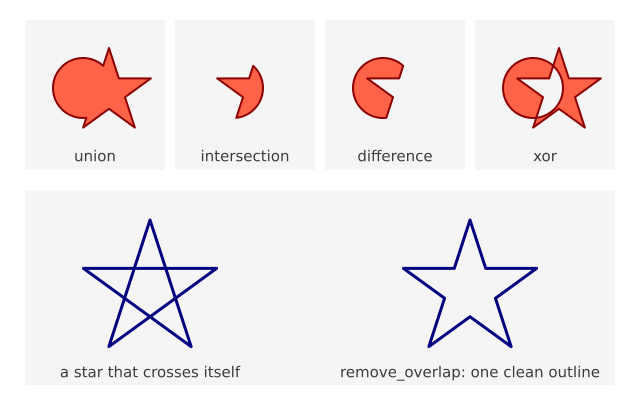
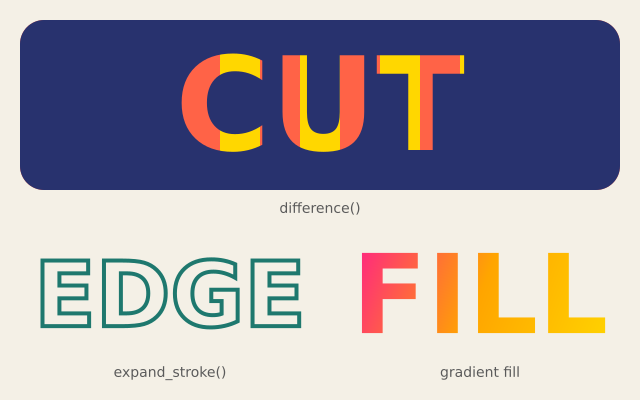
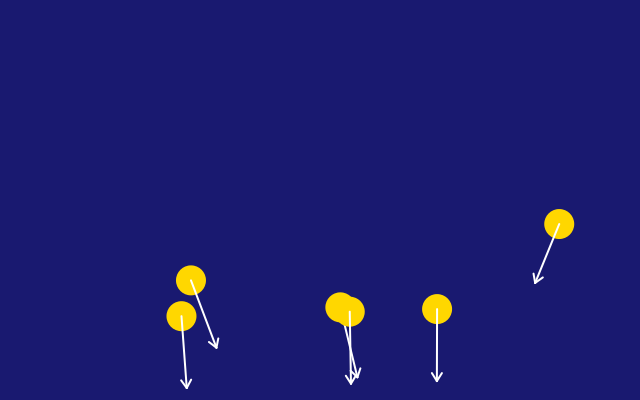
There are more in the gallery and on the showcase page.
Your first sketch
import funground as f

f.size(640, 400)
f.background("white")
f.fill("tomato")
f.circle(320, 200, 120)
f.show()
Save it as first.py and run it. A red circle appears. Change "tomato" to "teal" and run it
again. That is how you learn: change something small and look at what happens.
Install
python -m pip install git+https://github.com/funground-hq/funground
funground is in its first release, 0.1, which is not on PyPI yet. Once it is, pip install funground will do.
You need Python 3.11 or newer. The first chapter of the guide shows the steps one by one.
Where next
- Get started: install, run your first sketch, and what to read next.
- Guide: nineteen short chapters that teach funground step by step.
- Gallery: every example, with its picture, how it works and its code.
- Reference: look up a command.
- Play: run the gallery examples in your browser, without installing (a preview of 0.2).
- About: licence, credits and the code.