Saving your work
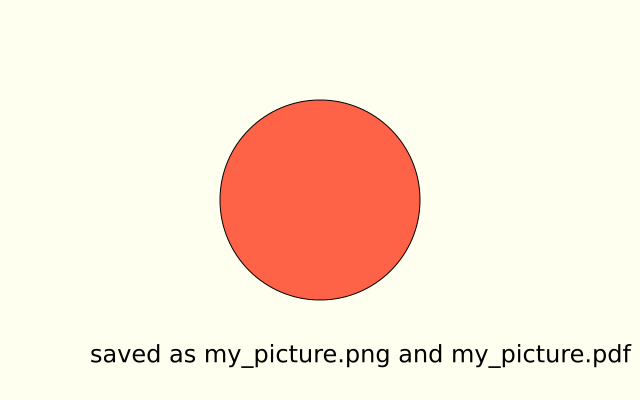
A tomato circle is drawn and saved twice, as my_picture.png and my_picture.pdf. A PDF, or an SVG, is made of shapes, so it stays sharp at any size.
How it works
- f.save("my_picture.png") writes the frame when it is finished. The file goes in the folder the sketch runs from.
- The file ending says the format. .png makes a picture of pixels. .pdf and .svg make a picture of shapes.
- The save is inside if f.frame_count == 0, so it happens once, on the first frame. Without that test, it would save again in every frame.
- f.background(), f.fill() and f.circle() make the drawing. f.text() writes on it.
Make it yours
- Change the names in f.save() to your own. Keep the endings.
- Save an SVG as well: f.save("my_picture.svg").
- Change the picture: use other shapes, colours and words before the save.
- Save a different frame: change 0 in f.frame_count == 0 to 30. Then make something change with f.frame_count, so the saved frame is different.
- Change the colour in f.fill("tomato") before you save.
The code
Copy it into a file and run it.
"""Saving your work

A tomato circle is drawn and saved twice, as my_picture.png and my_picture.pdf. A PDF, or an SVG,
is made of shapes, so it stays sharp at any size.

How it works:
- f.save("my_picture.png") writes the frame when it is finished. The file goes in the folder the
  sketch runs from.
- The file ending says the format. .png makes a picture of pixels. .pdf and .svg make a picture of
  shapes.
- The save is inside if f.frame_count == 0, so it happens once, on the first frame. Without that
  test, it would save again in every frame.
- f.background(), f.fill() and f.circle() make the drawing. f.text() writes on it.

Make it yours:
- Change the names in f.save() to your own. Keep the endings.
- Save an SVG as well: f.save("my_picture.svg").
- Change the picture: use other shapes, colours and words before the save.
- Save a different frame: change 0 in f.frame_count == 0 to 30. Then make something change with
  f.frame_count, so the saved frame is different.
- Change the colour in f.fill("tomato") before you save.
"""
import funground as f


def setup():
    f.size(640, 400)


def draw():
    f.background("ivory")
    f.fill("tomato")
    f.circle(320, 200, 200)
    f.fill("black")
    f.text_size(24)
    f.text("saved as my_picture.png and my_picture.pdf", 90, 340)
    if f.frame_count == 0:           # save the first frame once
        f.save("my_picture.png")
        f.save("my_picture.pdf")


f.run()