Read the mouse position
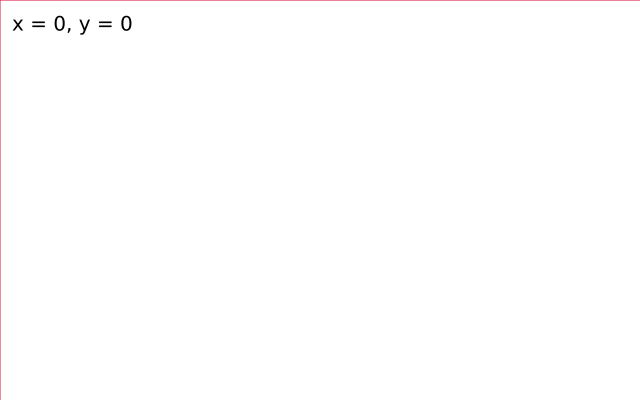
Move the mouse over the window. A cross follows it, and a label next to it shows its x and y. Near the right or bottom edge the label moves to the other side, so you can always read it.
How it works
- f.mouse_x and f.mouse_y are the position of the mouse, in the same pixels as the drawing.
- (0, 0) is the top-left corner. x grows to the right and y grows down.
- f.line() draws the two lines of the cross, through the mouse position.
- f.text() writes the label. The text f"x = {x}, y = {y}" puts the two numbers into it.
- f.text_width() measures the label, so the sketch knows when it would run off the window.
- draw() runs again and again, so the cross and the numbers keep up with the mouse.
Make it yours
- Change "x = " to something else, or round the numbers with int().
- Change the colours of the cross and the label.
- Draw a circle at the mouse with f.circle() instead of a cross.
- Show the position as a fraction of the window: f.mouse_x / f.width.
- Draw a second cross at the opposite point: f.width - f.mouse_x and f.height - f.mouse_y.
The code
Copy it into a file and run it.
"""Read the mouse position

Move the mouse over the window. A cross follows it, and a label next to it shows its x and y.
Near the right or bottom edge the label moves to the other side, so you can always read it.

How it works:
- f.mouse_x and f.mouse_y are the position of the mouse, in the same pixels as the drawing.
- (0, 0) is the top-left corner. x grows to the right and y grows down.
- f.line() draws the two lines of the cross, through the mouse position.
- f.text() writes the label. The text f"x = {x}, y = {y}" puts the two numbers into it.
- f.text_width() measures the label, so the sketch knows when it would run off the window.
- draw() runs again and again, so the cross and the numbers keep up with the mouse.

Make it yours:
- Change "x = " to something else, or round the numbers with int().
- Change the colours of the cross and the label.
- Draw a circle at the mouse with f.circle() instead of a cross.
- Show the position as a fraction of the window: f.mouse_x / f.width.
- Draw a second cross at the opposite point: f.width - f.mouse_x and f.height - f.mouse_y.
"""
import funground as f


def setup():
    f.size(640, 400, title="mouse position")


def draw():
    f.background("white")
    x = f.mouse_x
    y = f.mouse_y

    # a cross through the mouse
    f.stroke("crimson")
    f.stroke_width(1)
    f.line(x, 0, x, f.height)
    f.line(0, y, f.width, y)

    # the label sits to the right and below the mouse
    label = f"x = {int(x)}, y = {int(y)}"
    f.text_size(20)
    label_x = x + 12
    label_y = y + 12
    # near the right or bottom edge, move it to the other side
    if label_x + f.text_width(label) > f.width:
        label_x = x - 12 - f.text_width(label)
    if label_y + 24 > f.height:
        label_y = y - 36
    f.no_stroke()
    f.fill("black")
    f.text(label, label_x, label_y)


f.run()